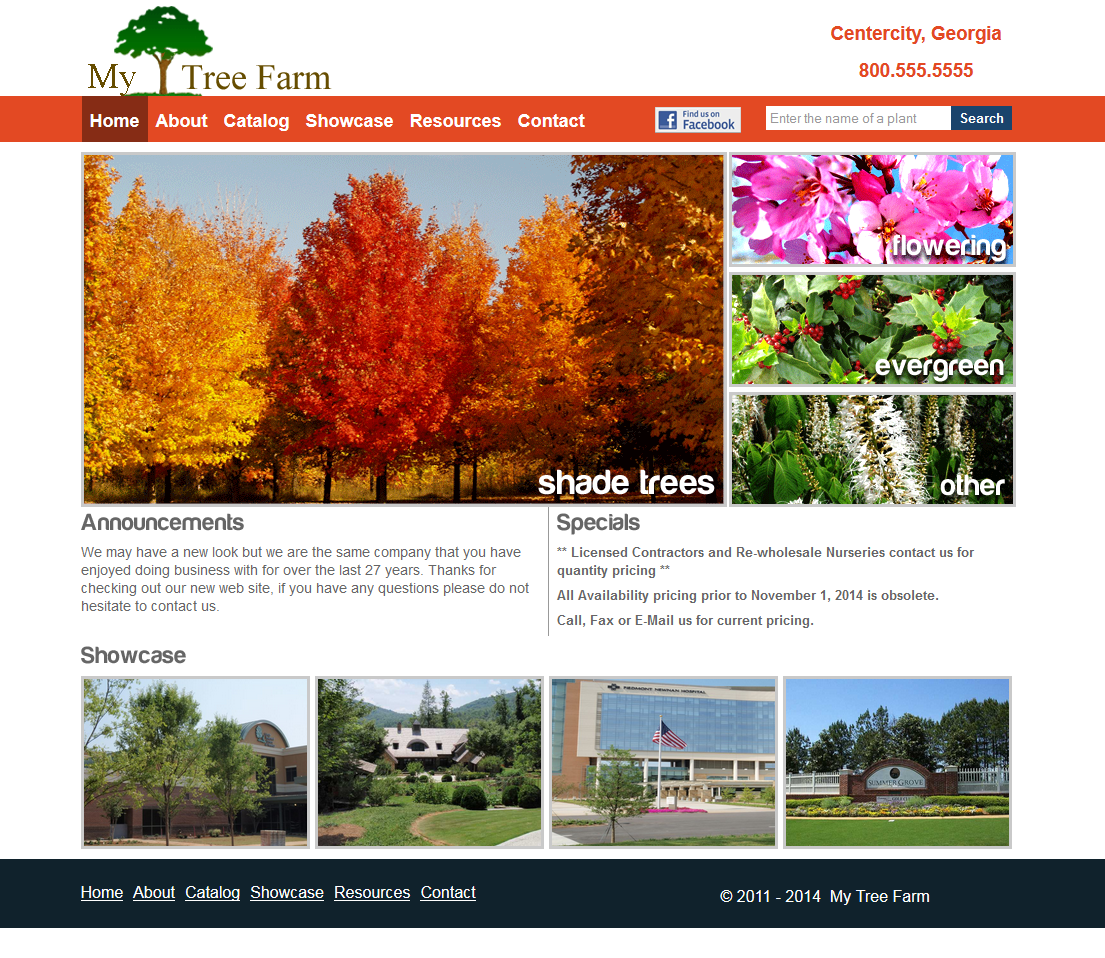
Planning the Site Upgrade to Version 2.0
- Schedule meeting with staff about usability feedback of current site using questionnaire 1.
- This meeting may be in person, by phone, or by web conference.
- Also discuss business details such as development costs and incidental expenses.
- Take great notes and compile for sign-off by both parties.
- Discuss when version 2.0 is to go live and warranties after the fact.
- Present version 2.0 site design mockup for staff review and approval via email.
- Schedule meeting about customer feedback using questionnaire 2.
- Begin development of version 2.0 on a remote server.
- Via email, gather feedback from office staff on remote version 2.0 (as needed).
- Fix bugs when found or reported by staff.
- Begin finalizing version 2.0 improvements.
- Inform customers of site upgrade coming soon.
- Get sign-off from company president and set date for going live.
- Once live, begin to get feedback from customers.
- Fix bug reports.
- Arrange reasonable maintenance plan covering minor improvements and bug fixes after one year.
- Finalize contract. Site officially belongs to My Tree Farm and any "agreements to pay" and other warranties go into effect.